
Gravity Series Probe – Masterbuilt

8,99 € (VAT inc.)

✅ Monitors the internal temperature of food whilst cooking to help you achieve the desired result.

✅ Made from stainless steel, designed for direct and repeated use with meat and other dishes.

✅ Detachable for easy cleaning and maintenance after each use.

✅ Allows you to cook to a target temperature and receive an alert when the reading reaches the preset value on compatible controls.

✅ High-temperature protection: Masterbuilt triggers an alert at 300 °F (approximately 149 °C), at which point the probe must be removed from the heat.

✅ Compatible with the Masterbuilt Gravity Series range, ideal as an additional or replacement probe.

SKU: 9004190170 Categories: ,
Métodos de pago

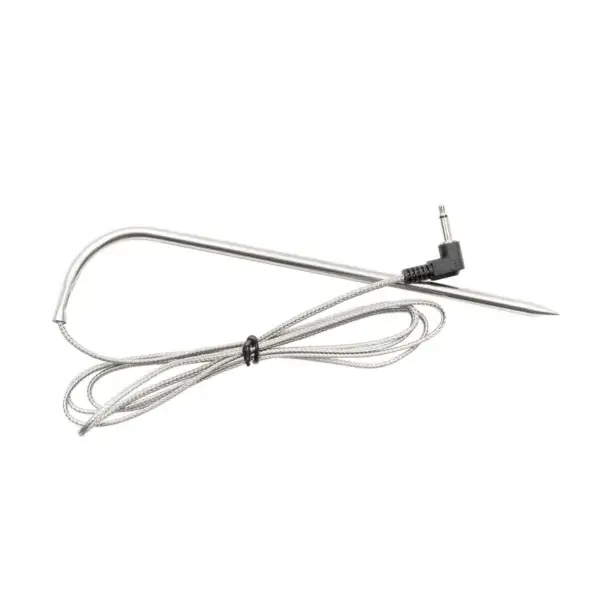
The Masterbuilt Gravity Series probe is designed to monitor the internal temperature of food whilst you cook, particularly for dishes where getting the internal temperature just right is just as important as controlling the heat of the barbecue.

It can be used as an additional or replacement probe within the Gravity Series system. Its readings integrate with the compatible Masterbuilt control, allowing you to monitor the progress of the food and work towards a target temperature rather than relying solely on cooking time.

Monitor the internal temperature of food
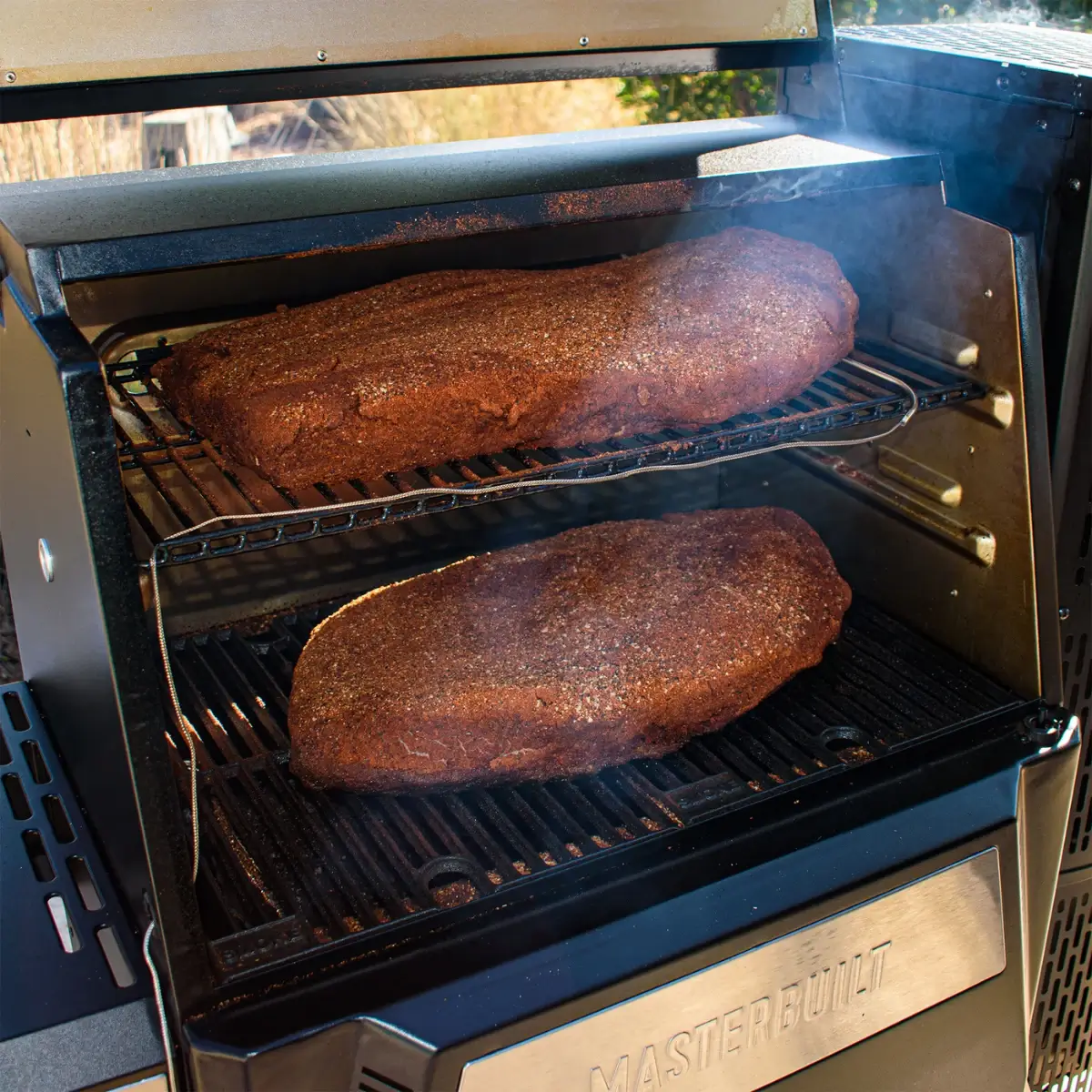
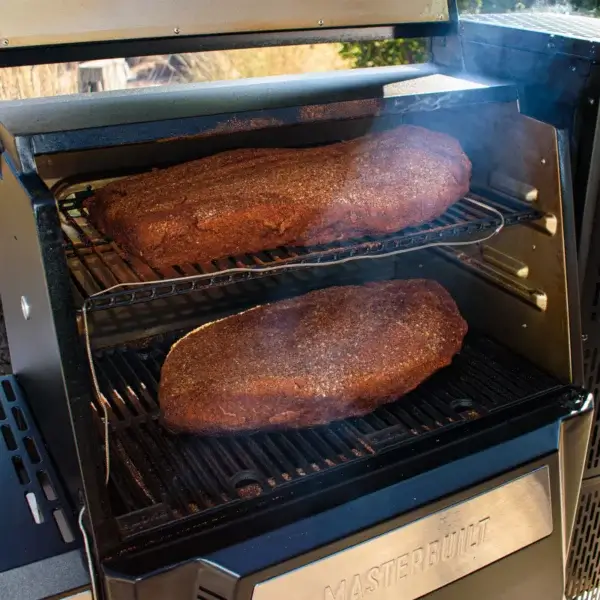
Carne cocinándose con control de temperatura mediante sonda Masterbuilt Gravity Series

The probe is used to measure the internal temperature of the food during cooking. Rather than judging doneness solely by the external appearance or the time elapsed, you have a reading that indicates how the inside of the piece is actually progressing.

Masterbuilt transmits this reading to the Gravity Series’ compatible digital or Wi-Fi controls, so you can cook different foods whilst aiming for the desired internal temperature.

This is particularly useful for smoking, roasting and thick cuts, where the outside and inside can cook at different rates, making it helpful to monitor the centre of the food directly.

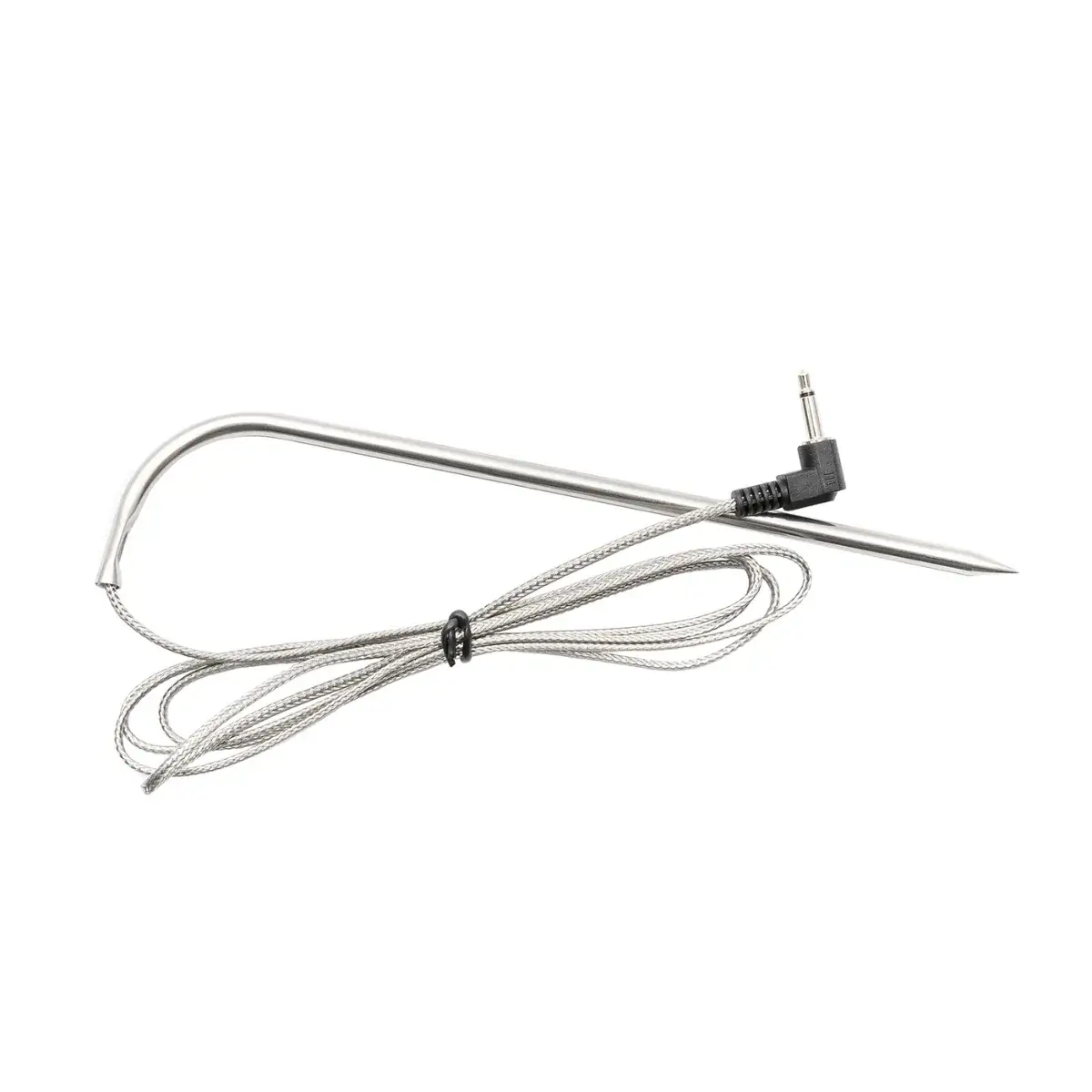
Stainless steel
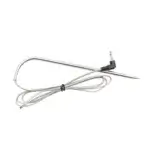
Sonda para carne Masterbuilt Gravity Series fabricada en acero inoxidable

Masterbuilt manufactures this probe from stainless steel, a particularly important feature in an accessory designed to be inserted directly into food during cooking.

Its design allows the sensor to be placed in the cut and to continue taking measurements throughout the process, providing information on the internal temperature whilst the food continues to cook.

Thus, the probe’s construction is designed to withstand repeated use as a temperature control tool for meat and other dishes prepared in compatible equipment.

Detachable for easy cleaning

The probe can be removed from the appliance once cooking is complete. Masterbuilt specifically highlights this detachable design as an advantage, making it easier to clean after use.

As well as simplifying day-to-day maintenance, being able to remove it means you do not have to leave the accessory permanently connected when it is not needed. Once cooking is complete and the probe has cooled to a safe temperature for handling, it can be detached from the controller for cleaning and subsequent storage.

Target temperature with automatic alert
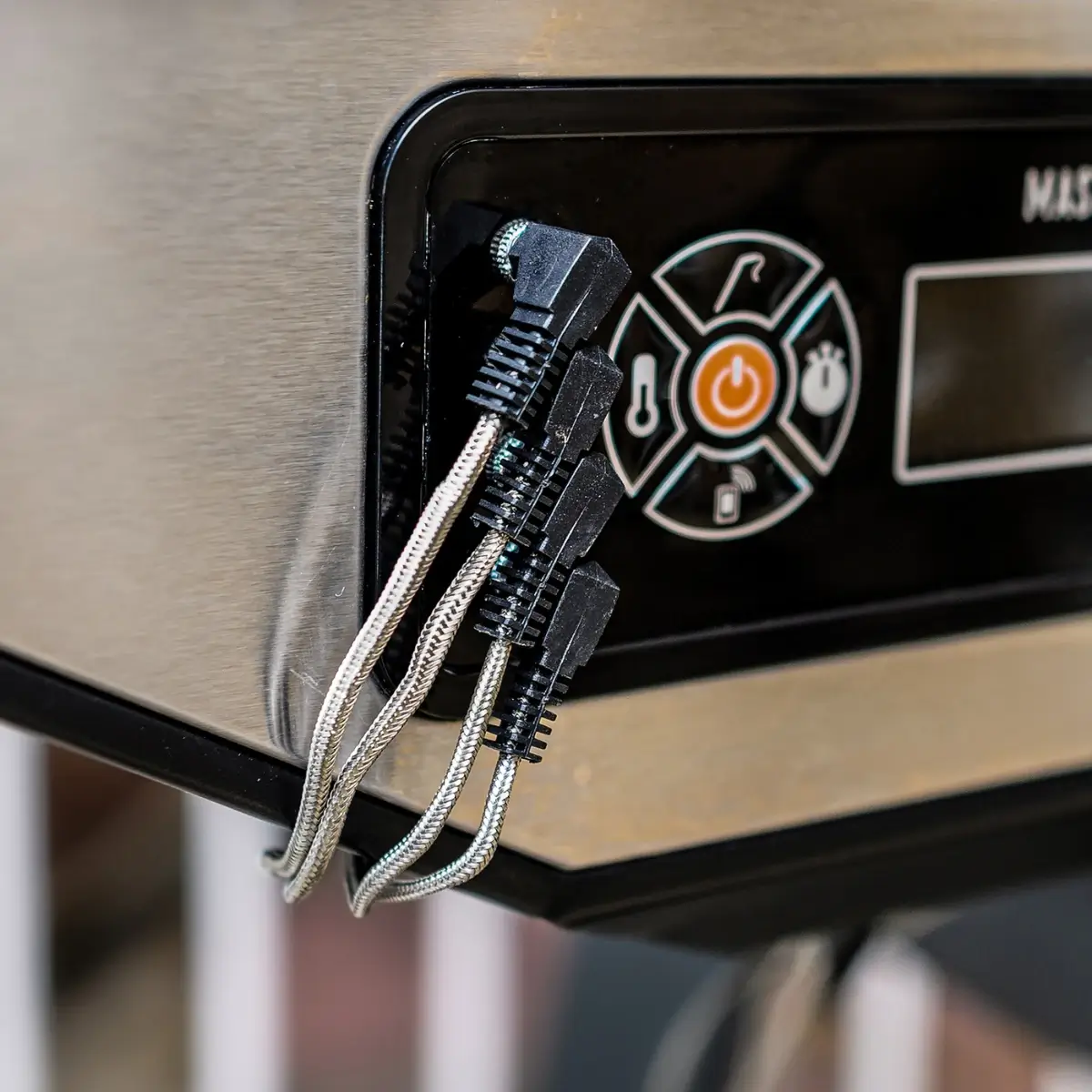
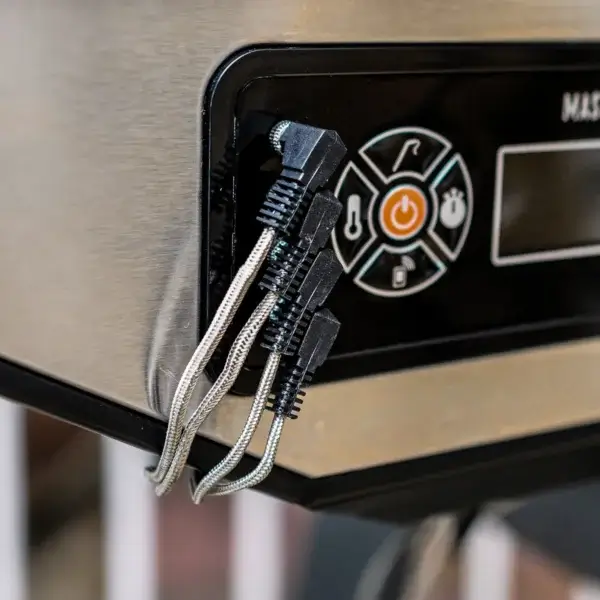
Sondas para carne conectadas al control digital Masterbuilt Gravity Series

The Gravity Series controls documented by Masterbuilt allow you to select the relevant probe and set a target temperature. When that temperature is reached, the controller sounds an alarm to indicate that the food has reached the programmed value.

Important: Masterbuilt triggers a safety alert when the probe reaches 300 °F (approximately 149 °C). At this point, it must be removed from the heat and allowed to cool, as the manufacturer warns that keeping it at this temperature may damage it.

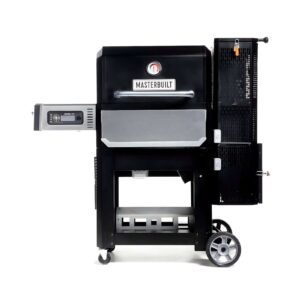
Compatibility with the Masterbuilt Gravity Series
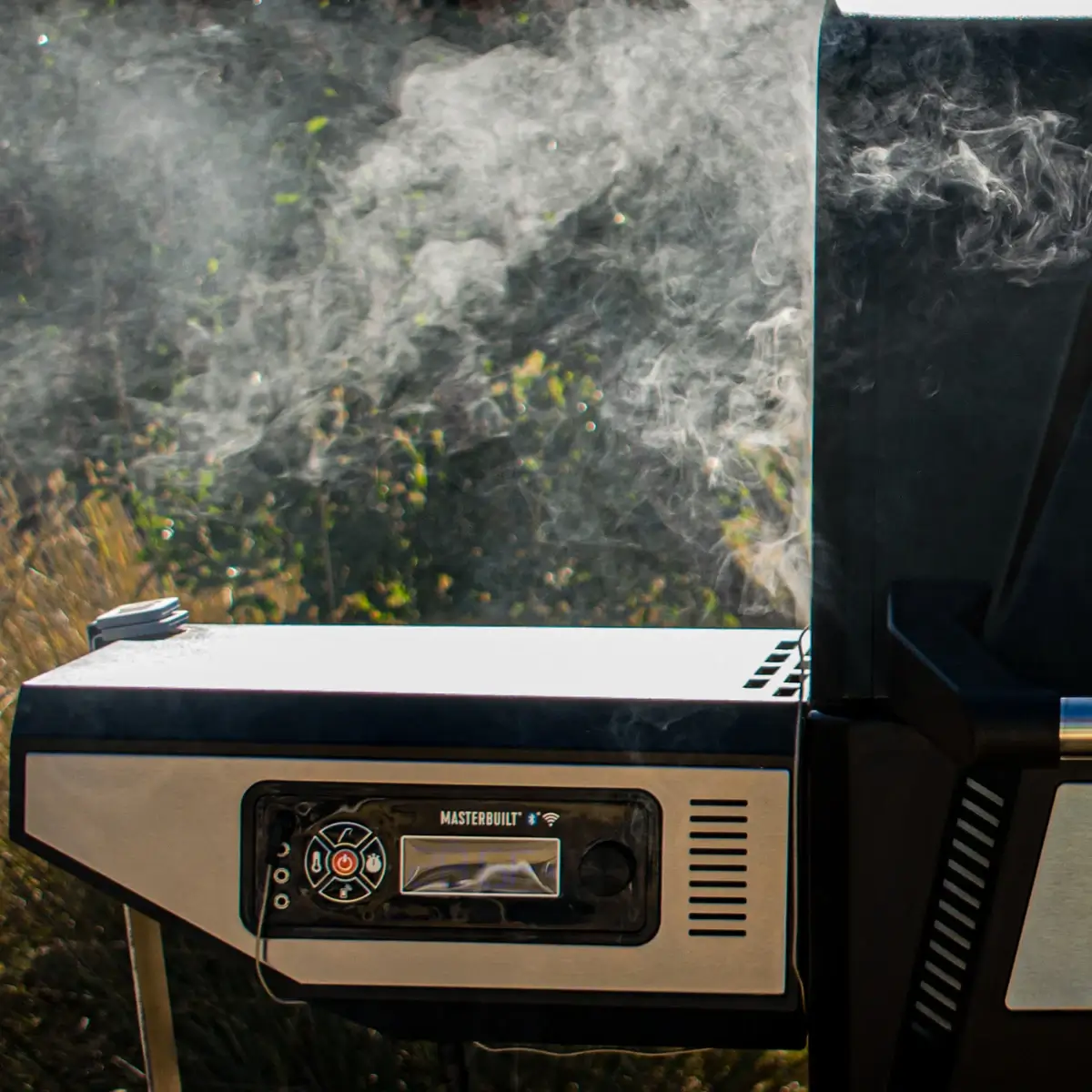
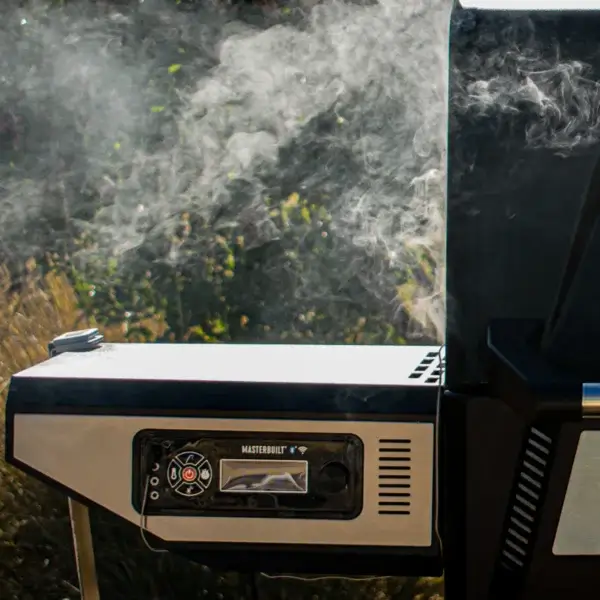
Barbacoa y ahumador Masterbuilt Gravity Series compatible con sonda para carne

Masterbuilt specifies that this probe is compatible with any Gravity Series barbecue or smoker. It can be used as an additional probe or as a replacement in models within the range that feature the corresponding connection system.

Gravity Series and smoker compatibility documented by Masterbuilt: Gravity Series 560 — MB20040220, MB20041020 and MB20042924; Gravity Series 600 — MB20041023 and MB20041423; Gravity Series 800 — MB20040221, MB20042221 and MB20040122; Gravity Series 900 — MB20041823; Gravity Series 1050 — MB20041220 and MB20041320; Gravity Series 1150 — MB20041525 and MB20041625; Gravity Series XT — MB20041223 and MB20043024; 40-inch Digital Charcoal Smoker — MB20061321.

General compatibility is taken from the official product specifications; the list above identifies the Gravity Series models that Masterbuilt officially documents in its own setup guides.
First use and connection

Meat probe connections on the Masterbuilt Gravity Series controller
  1. Connect the probe to one of the available meat probe inputs on the Gravity Series controller.
  2. On the controllers documented by Masterbuilt, each input can be selected as MP1, MP2, MP3 or MP4.
  3. Select the corresponding probe on the controller to view its reading.
  4. If you want to cook to a specific temperature, set the target temperature using the compatible controller.

During cooking

Keep the probe connected whenever you need to monitor the internal temperature of the food. The reading can be checked on the digital controller and, on Gravity Series models with compatible connectivity, through the WiFi system and Masterbuilt app.

When you set a target temperature, the controller sounds an alarm when the selected value is reached. This allows the internal temperature to be used as a reference during long roasting and smoking sessions.

Pay attention to the protection limit

If the probe reaches 300 °F, approximately 149 °C, Masterbuilt states that an alarm will sound. Remove the probe from the heat, disconnect it from the controller and allow it to cool. The brand warns that keeping it at this temperature may damage it.

After cooking

  1. Wait until the probe can be handled safely.
  2. Disconnect it from the controller once you no longer need to monitor the temperature.
  3. Make use of its removable design to take it out of the appliance before cleaning and storage.

Cleaning

Masterbuilt Gravity Series meat probe removed for cleaning
  1. Clean the probe regularly to prevent residue from building up.
  2. Masterbuilt recommends using mild washing-up liquid for maintaining Gravity Series temperature probes.
  3. Remove food residue and accumulated dirt without leaving deposits on the measuring area.
  4. Dry it completely before storing it.

Maintenance

  • Keep the probe clean so that residue from successive cooking sessions does not accumulate on it.
  • If a probe malfunction warning appears, consult the manual for your Gravity Series model and official Masterbuilt support.
  • If the warning for exceeding approximately 149 °C is activated, remove it immediately following the procedure specified by Masterbuilt and allow it to cool before handling it further.

Storage

Once clean and completely dry, store the probe protected when it is not in use. In its Gravity Series maintenance guidance, Masterbuilt recommends storing temperature probes indoors when they are not being used.

Avoiding permanent outdoor exposure helps protect the accessory from moisture and environmental conditions during periods of non-use.

  • Identification
    • Brand: Masterbuilt
    • Model: 9004190170
    • Type: food core temperature probe
  • Measurement and control
    • Reading
      • Display via compatible digital controls
      • Display via compatible Wi-Fi controls
    • Target temperature
      • Allows you to set a target temperature via a compatible controller
      • Alarm when the set temperature is reached
    • Temperature protection
      • Protection alarm: approximately 149 °C (300 °F)
      • When this temperature is reached, the probe must be removed from the heat and allowed to cool
    • Multi-probe system
      • Supports up to 4 meat probes on compatible Masterbuilt appliances
      • Identification on compatible Gravity Series controllers: MP1, MP2, MP3 and MP4
  • Materials
    • Probe made from stainless steel
  • Design and maintenance
    • Detachable design for easy cleaning
  • Compatibility
    • Masterbuilt Gravity Series
      • Gravity Series 560
      • Gravity Series 600
      • Gravity Series 800
      • Gravity Series 900
      • Gravity Series 1050
      • Gravity Series 1150
      • Gravity Series XT
    • Masterbuilt vertical smoker
      • 40-inch Digital Charcoal Smoker
      • International model: MB20061321
      • Compatible with up to 4 meat probes

Smoked brisket monitored with a Masterbuilt probe

Brisket smoking with a Masterbuilt Gravity Series temperature probe

Brisket is one of the best recipes for making full use of a temperature probe. It is a long cook where time serves as a guide, but the true doneness of the meat is determined by combining internal temperature with texture.

This version follows Masterbuilt's official Gravity Series method: it starts at a low temperature to develop the bark, continues with a slightly hotter stage and finishes by checking the brisket when it reaches around 93 °C internally.

Serves: approximately 16 · Time: 6 hours or more · Difficulty: advanced · Method: smoking.

Ingredients

  • 1 whole packer brisket.
  • Coarse black pepper.
  • Kosher salt.
  • Yellow mustard to use as a binder.
  • Water or beef stock for spritzing during cooking.
  • Optional: beef tallow for resting.

1. Prepare and season the brisket

Preheat the smoker to approximately 93 °C. While it comes up to temperature, trim the brisket, removing any excess fat you consider necessary.

Spread a light layer of yellow mustard over the surface. Its purpose is to help the seasoning adhere during the first few hours of smoking.

Masterbuilt uses a simple 50/50 mixture of kosher salt and coarse black pepper. Coat the entire surface of the brisket generously.

2. Position the probe correctly

Insert the Masterbuilt probe into a thick part of the meat to monitor the internal temperature throughout the cook. Avoid placing the tip directly in large pockets of fat, as the aim is to obtain a representative reading from the meat.

Keeping the probe in place during such a long cook allows you to monitor the brisket's progress without relying solely on estimated timings.

3. First stage at low temperature

Place the brisket in the smoker with the fat side facing up. Masterbuilt also recommends placing a tray of water beneath the meat.

Close the lid and cook at around 93 °C for approximately 2 hours. During this first stage, the seasoning will begin to set and the outer bark will start to develop.

Once the rub is dry on the surface, lightly spritz the brisket with water or beef stock.

4. Increase to 121 °C and develop the bark

After those first two hours, increase the smoker temperature to approximately 121 °C.

Continue cooking with the lid closed. Masterbuilt recommends lightly spritzing the surface every 60–90 minutes to keep it in good condition as the bark forms.

There is no need to aim for an exact cooking time. The size, thickness and progress of each brisket can cause the total cooking time to vary considerably.

5. Start checking at around 93 °C internal temperature

When the probe approaches an internal temperature of 93 °C, begin checking the texture as well. In the official recipe, Masterbuilt emphasises that brisket should be judged by both temperature and the feel when inserting a probe.

The temperature tells you when to start checking, but it does not replace the final tenderness test. Insert a probe or skewer into different areas of the brisket.

It is ready when the probe slides in with very little resistance, with a sensation similar to pushing it into warm butter. If there is still resistance, continue cooking and check again later.

6. Rest for at least 2 hours

Once the brisket has reached the correct texture, remove it and wrap it tightly in aluminium foil. Masterbuilt also allows for adding beef tallow at this stage if desired.

Leave it to rest for approximately 2 hours before slicing. This resting period allows the cooking process to slow gradually and helps the juices redistribute throughout the meat.

After resting, slice and serve. If you need to keep it warm for longer, the official recipe allows the wrapped brisket to be held in an oven or smoker at approximately 74–82 °C, for up to the stated maximum of 12 hours.

The probe is the reference, not the clock

With brisket, the internal temperature tells you when to start checking for doneness. As it approaches 93 °C, use the probe itself to check the resistance of the meat as well. Masterbuilt considers the brisket finished when it is tender throughout, not simply when it reaches a specific temperature.